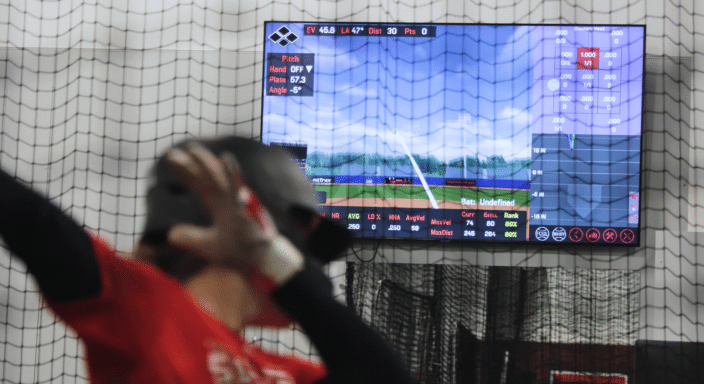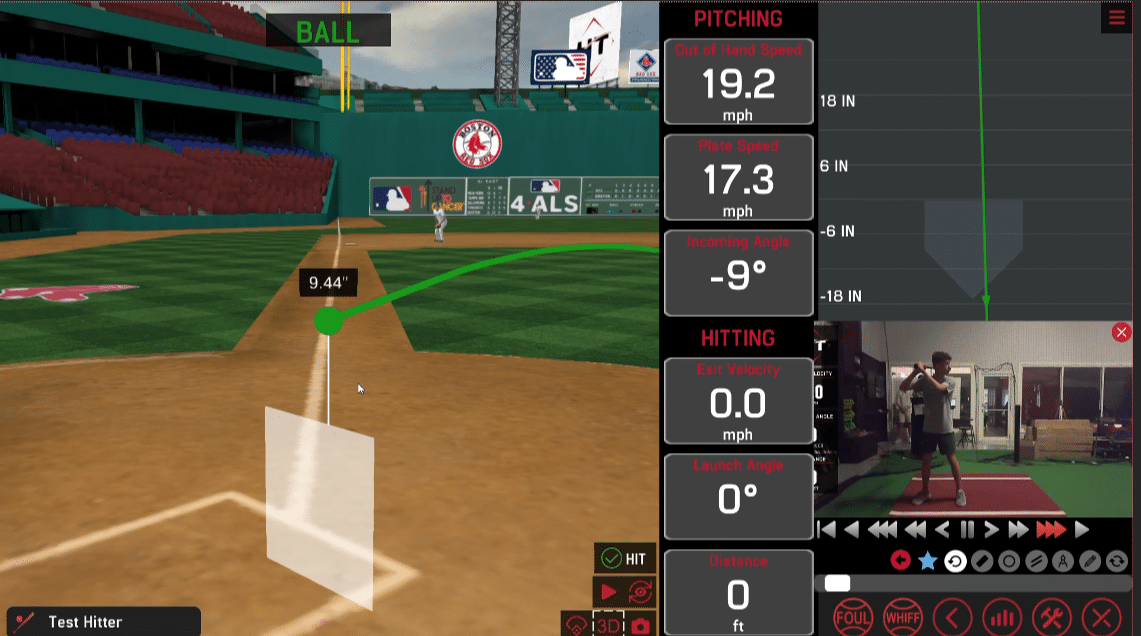
The latest HitTrax Pro & Home software (v9.0.8) has been released and the update brings powerful new features, including an interactive 3D strike zone you can move and adjust, the addition of the official MLB ABS strike zone, and expanded video capture for swings, hits, and misses.
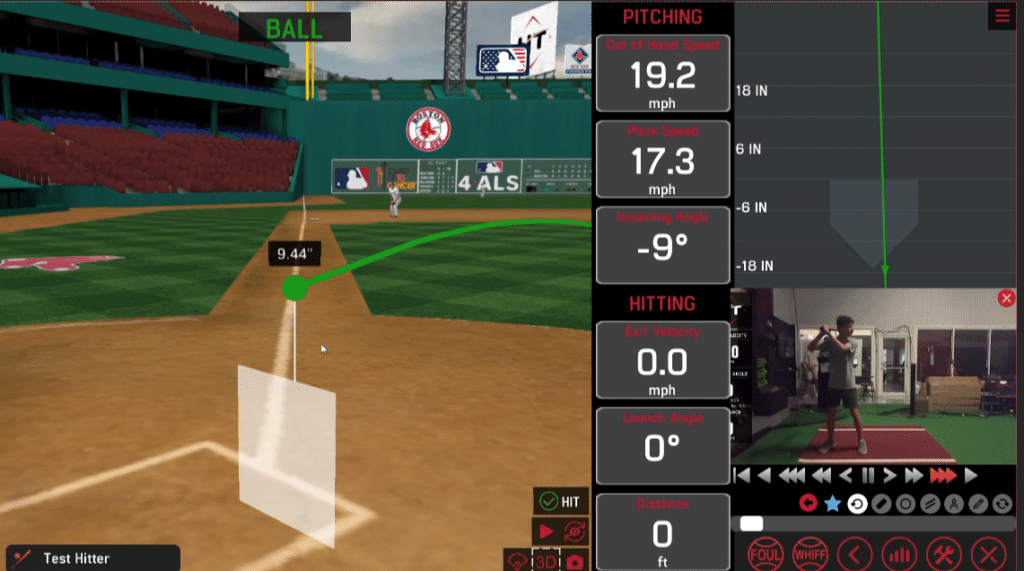
INTRODUCING THE 3D STRIKE ZONE
The ABS Strike Zone and MLB’s challenge system have put new emphasis on pitch recognition and chase rate. With the HitTrax 3D Strike Zone, hitters can see whether a pitch they hit for a soft groundout would have been ‘ball four’. Pitches near the Strike Zone show a distance measurement, just like on a broadcast. Auto-playback and a fully touch-interactive view make it easy to give hitters the perspective they need to understand why Strike Zone awareness matters.
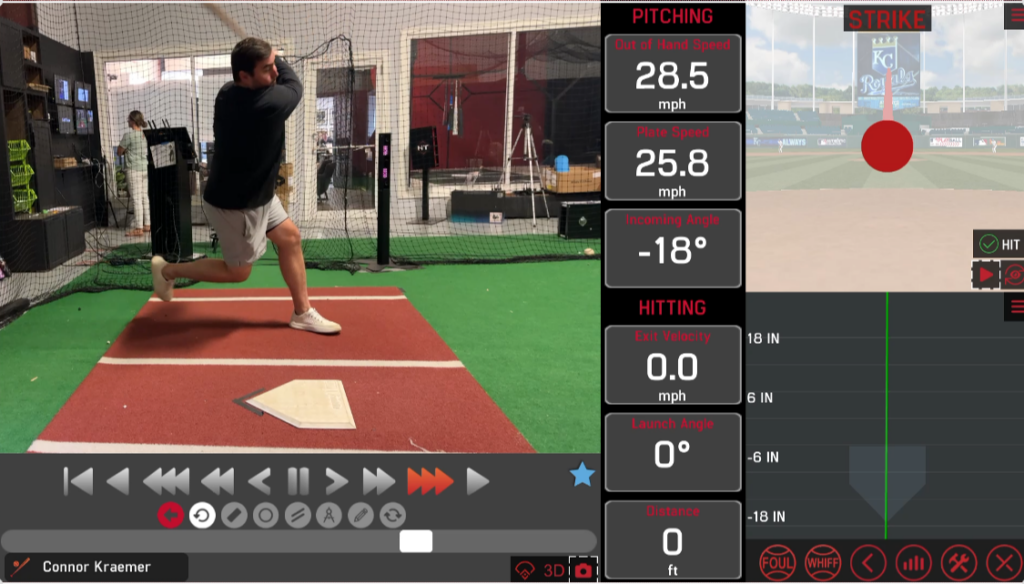
RECORD VIDEOS OF SWINGS, MISSES, & TAKES
Now you can capture every part of an at-bat for a more complete view of a hitter’s approach. Turn on this feature in Settings to record high-speed video of taken pitches, foul balls, and swings and misses.
TRAIN WITH THE MLB ABS STRIKE ZONE
Alongside the traditional HitTrax Strike Zone, you can now use the ABS Strike Zone as defined by MLB. Turn on the option in Settings to have HitTrax apply the ABS Strike Zone automatically for baseball players at the Professional skill level. You can switch between the two Strike Zones at any time in the player’s profile or during a training session.
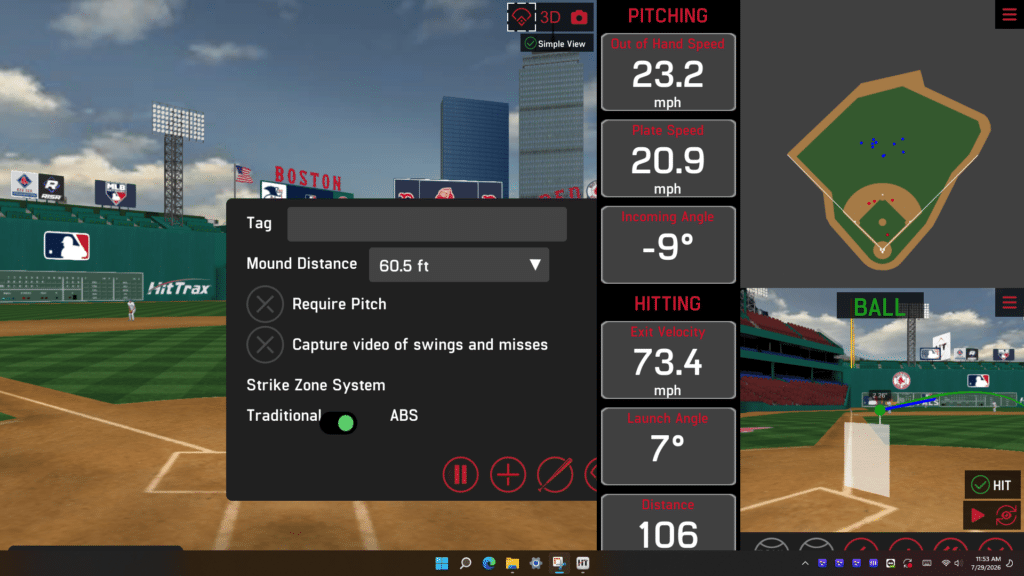
PITCHING MODULE, NOW IN 3D
The Pitching Module has a new look, built around the 3D Strike Zone. It’s now the default view and gives pitchers richer visual feedback. In Session Review, players can also see all their pitches together in 3D, grouped by pitch type.
Have questions? Contact us or watch this video for a full explanation of the new software updates.